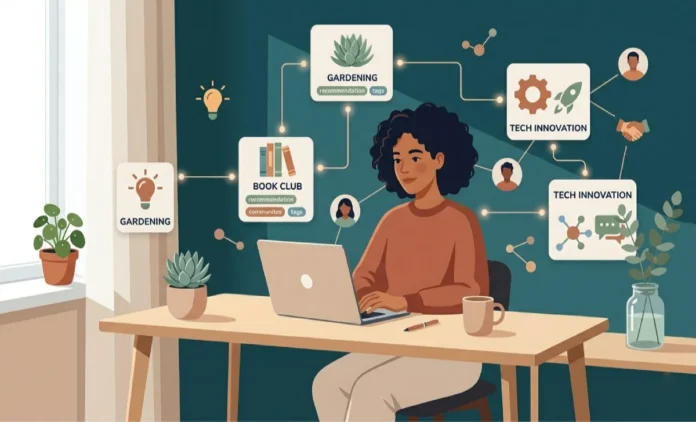
You might be surprised at how much you can do with AI on your phone. Technology keeps getting better, making our lives easier. AI helps make tasks simpler and faster.
Both iOS and Android have AI tools. These tools can make your life easier. They offer virtual assistants and personalized suggestions, changing how we use our phones.
Let’s look at how AI can make your phone better.
What Are AI Agents and How They Transform Your Mobile Experience
AI agents are changing how we use our phones. They use artificial intelligence to help us. This means they can do tasks, give info, and control other devices.
They make using your phone easier and more personal. AI agents learn what you like. They then suggest things and do routine tasks for you.
Enhancing Productivity
This makes you more productive. For example, Siri, Google Assistant, or Alexa can remind you, send messages, or call people with just your voice.
AI agents do more than just phone tasks. They can control your smart home, play music, or give traffic updates. They are key to your daily life.
In short, AI agents are making our phones better. They offer a more personal, efficient, and connected way to use technology.
Popular AI Agents on Phone You Can Use Today
Your smartphone is now super smart, thanks to AI agents. These agents help you manage your time and control your smart home. They make life easier.
Google Assistant is a top AI agent. It can set reminders, send messages, and even make calls. Just say a command to start using it.
Siri is great for iPhone users. It lets you use voice commands to check the weather, play music, or get directions. It works well with other Apple services.
AI Agents for Android Devices
Android users can also use Google Assistant. Samsung’s Bixby is another AI agent for Samsung devices. It gives you a personalized experience.
These AI agents change how we use our phones. They make our phones more useful and fun to use.
Setting Up AI Assistants on Your iPhone
Setting up AI on your iPhone is easy. First, go to your iPhone’s settings. Then, find the “Siri & Search” section. Here, you can turn on Siri, Apple’s phone assistant, to use AI features.
After turning on Siri, you can make it your own. You can pick how to start Siri, like saying “Hey Siri” or pressing a button. You can also change Siri’s voice and language to fit your needs. This makes Siri a better AI tool for you.
You can also make Siri work with other iPhone features. This includes notifications and apps. It helps you get info and do tasks faster. This makes your phone assistant very useful every day.
Just follow these steps to use AI assistants on your iPhone. You’ll get a phone experience that’s smoother and more personal.
Configuring AI Agents on Android Devices
To start using AI on Android, you need to set up your AI agent. This means turning on voice-controlled agents. These let you talk to your device and get things done with voice commands. Google Assistant is a great example of this.
To turn on Google Assistant, go to your device’s settings. Then, find “Apps & notifications” and click on “Advanced”. Look for “Default apps” and choose “Assistant & voice input”. This makes your device a helpful digital friend for many tasks.
Customizing your AI experience is easy. You can change settings to fit what you like. For example, you can teach Google Assistant to know your voice. This makes it more personal and useful.
By doing these steps, you unlock AI’s full power on your Android. You’ll enjoy a better and more efficient way to use your device.
Boosting Daily Productivity with Mobile AI Assistants
Mobile AI assistants can really help you get more done. They help you manage your day better. They can remind you of things, schedule meetings, and even talk to customers for you.
These tools make it easy to keep track of what you need to do. You can tell them what to do with your voice or type it in. This saves you time and keeps you focused on what’s important.
AI assistants can also help with customer service. They can talk to customers, answer questions, and solve problems. This makes customers happy and helps you do other important things.
Using mobile AI assistants every day can really help you get more done. They make your tasks easier, help with customer service, and keep you organized. As AI gets better, we’ll see even more ways it can help us.
Controlling Your Smart Home Using AI Agents
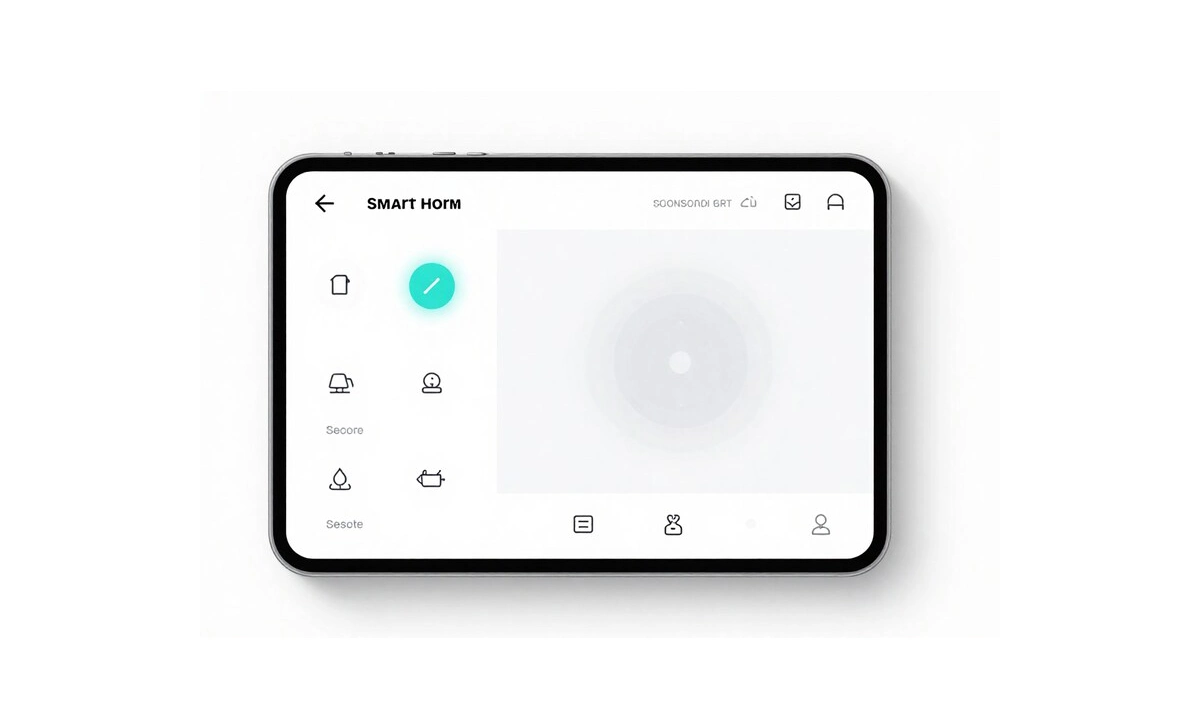
AI-powered voice assistants have changed how we manage our homes. You can control lights, temperature, security, and entertainment with just your voice. This makes living easier and more fun.
Use Amazon Alexa or Google Assistant to control your devices. For example, you can turn on lights or change the thermostat without moving. It makes your home more comfortable and saves energy.
First, make sure your devices work with your voice assistant. Then, use your phone to set them up and connect them. This lets you control your home easily.
AI agents and voice assistants make your home smart. They make your life simpler and more fun.
Entertainment and Media Management with AI Assistants
AI chatbots make managing your phone’s media easy. You can find new stuff, make playlists, and control what you watch or listen to. Just use your voice or a few taps.
AI helpers like Siri, Google Assistant, and Alexa work well with entertainment apps. They let you get to your favorite music, movies, and TV shows easily. For example, you can ask to play a song, and it will find it for you.
AI chatbots also suggest new things you might like. They look at what you’ve watched or listened to before. This way, they recommend music, movies, or TV shows that fit your taste.
Using AI for entertainment makes your phone use better. It’s more fun and fits what you like.
AI Agents for Personal Health and Wellness
Conversational AI has made managing your health easier. AI agents help track your health metrics. They give you a full view of your well-being.
These AI agents use data from your devices or health trackers. They show you your daily activity, sleep, and nutrition. Then, they give you tips that fit your health goals and likes.
AI agents also help with your mental health. They talk to you, help with stress, and guide mindfulness exercises. They offer complete health and wellness support.
Adding AI agents to your daily life makes health tracking simple. They also give you the motivation to reach your wellness goals.
Advanced Features of AI Agents You Can Use Right Now
Your phone is now a super tool with AI agents. It has cool features like location-based suggestions and time-sensitive notifications. These help AI agents give you better help, making your phone use better.
Location-based Suggestions
AI agents on your phone can suggest places near you. Like, they might find restaurants or shops close by. This is great when you’re traveling or checking out a new place.
AI agents use your location to give you good tips. Need a coffee or a gas station? AI agents can help.
Time-sensitive Notifications
AI agents also send you important reminders. They can remind you of meetings or deadlines. For example, they might tell you when it’s time to leave for a meeting.
These reminders keep you on track and organized. AI agents work with your calendar to send you timely reminders that fit your life.
Using these features, you can get the most out of AI agents on your phone. They make your phone use smarter and more personal, with location tips and timely reminders.
Overcoming Common Challenges with Mobile AI Agents
Using a virtual assistant on your phone can be very helpful. But it comes with some issues. You might worry about your data privacy and find it hard to get your AI to understand complex commands.
Data privacy is a big concern with virtual assistants. Most devices let you control your data. You can check and delete voice recordings or limit what your virtual assistant knows.
AI agents can sometimes not get what you mean or do what you ask. To fix this, speak clearly and use simple commands. Also, keep your device’s software updated. Updates often make AI better.
Knowing these challenges and finding simple fixes can make your mobile AI agents better. They can become more efficient and tailored to what you need.
Conclusion
Artificial intelligence is changing how we use our phones. It makes our lives easier and more fun. You can get more done, control your home, and enjoy shows just for you.
AI agents work on both iPhone and Android. They help with your health and make life easier. They get smarter, helping you manage your day better.
As AI grows, we must keep up with new phone tech. Embracing AI can open up new ways to use your phone. It makes your phone experience better.